For Windows 11
Hedgerow
A calmer desktop. Room for what matters. Hedgerow gathers your desktop icons into quiet zones you can name, move, sort and hide.
Coming soon Read the help →

What it does
Zones
Shaded areas on your desktop that hold related things. Drag icons in, roll a zone up to its title, or show a folder such as Downloads without moving its files.
Rules
Icons find their zone by name, file extension, type or age, new ones included as they arrive, so you do not have to drag them.
Suggest zones
Hedgerow looks at the icons on your desktop and proposes a first set of zones. It saves a snapshot first, so nothing is lost.
Snapshots and a clear view
Save a layout and return to it later. Hide every zone with one key when you need a clear view.
A look inside
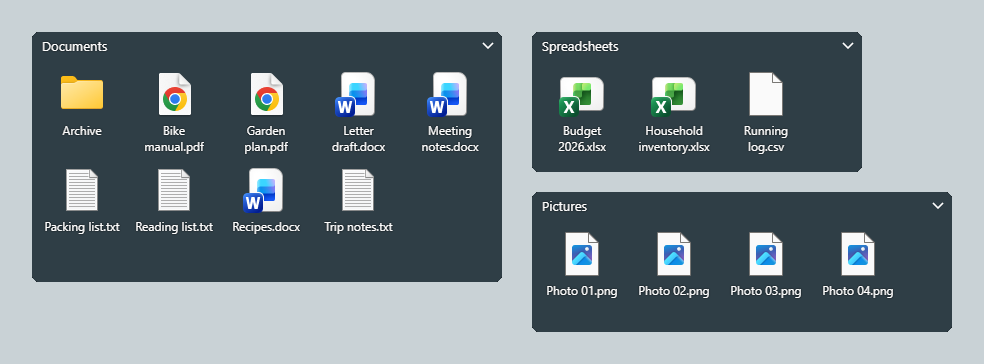
Your desktop, arranged into zones 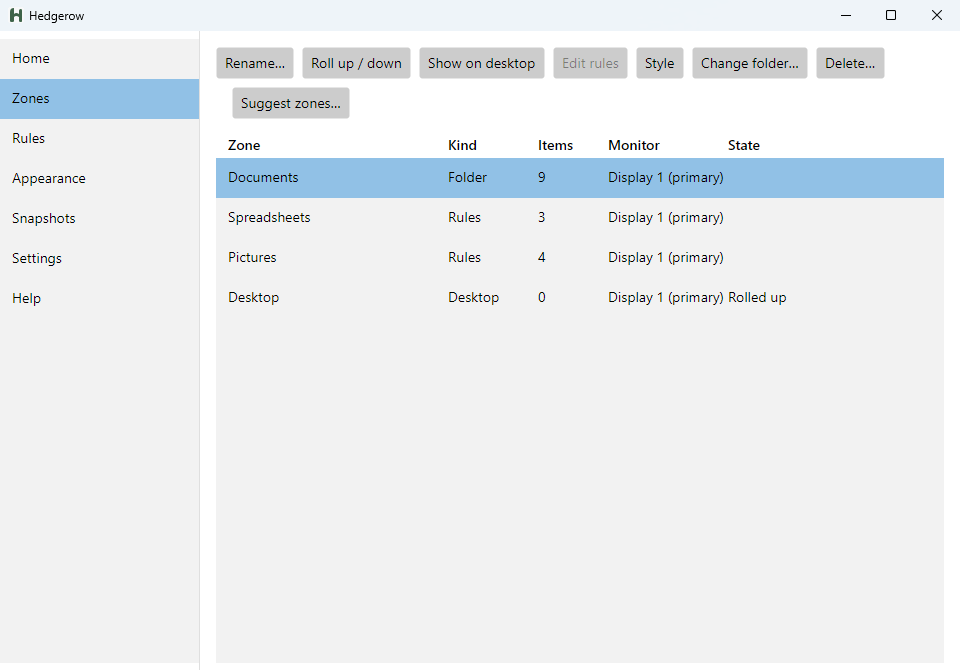
Every zone in one list 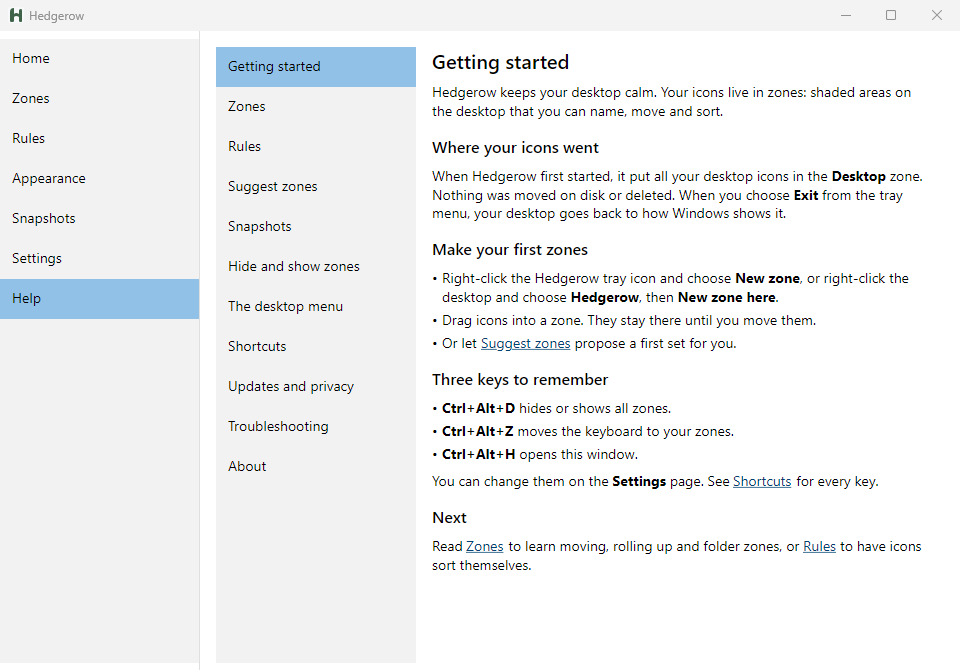
Help built into the app
Details
- Works on
- Windows 11
- Your data
- Stays on your PC. No account, no telemetry. Privacy policy
- Made by
- Hedgerow is a product of Cairnea LLC.